



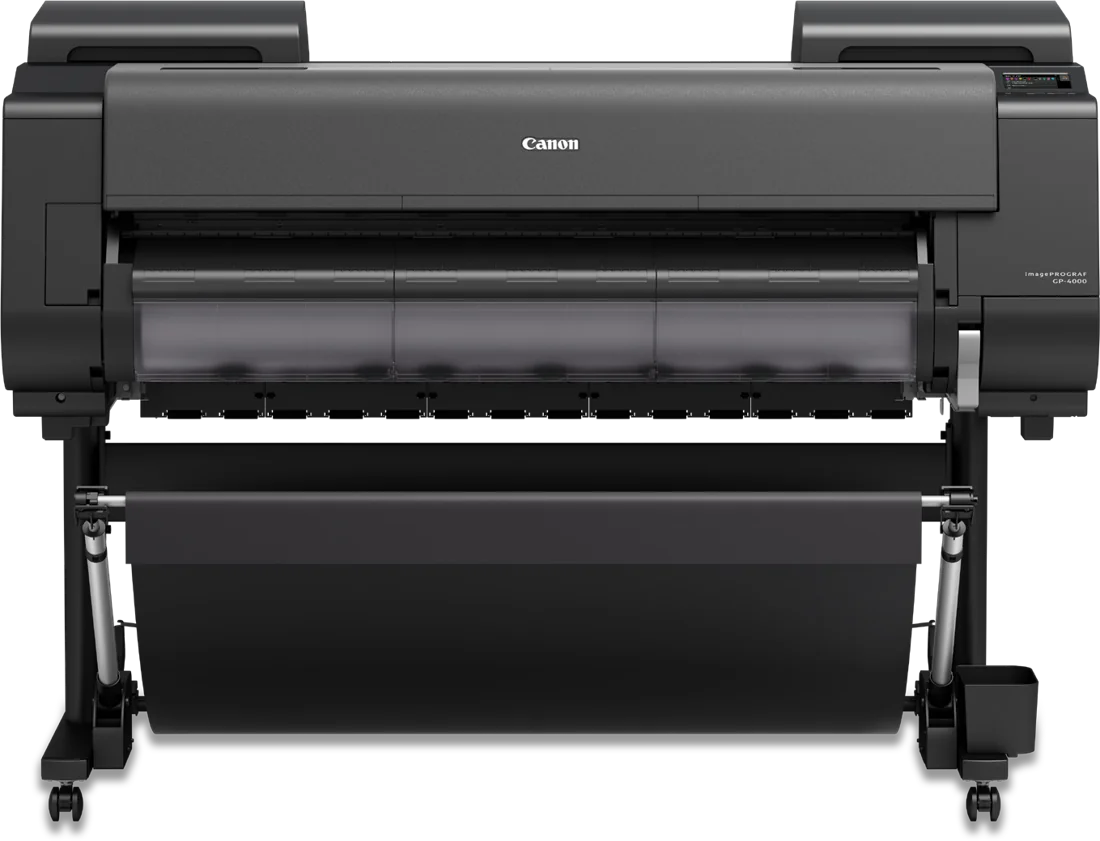
The Canon imagePROGRAF GP-2000 and GP-4000 are the same wide-format printer at two widths. The GP-2000 prints up to 24 inches wide and the GP-4000 up to 44. Pick by the widest job you print regularly, the floor space you have, and how much ink you go through.
What the two share
Both use the same eleven pigment inks, including Canon's Fluorescent Pink, the same PF-10 print head, and print up to 2400 x 1200 dpi. Both print up to 59 feet on a roll or 84 inches on cut sheets, take media from 0.07 to 0.8 mm thick, and have a 500 GB drive with secure PIN printing. Both calibrate their own colour with a built-in sensor, so the last print matches the first, and both detect the roll's width, length, and type when you load it.
Start with width
The GP-2000 takes media from 6 to 24 inches wide. The GP-4000 takes 6 to 44 inches. If your posters, banners, or signs are wider than 24 inches, that settles it. If nearly everything you print fits on a 24-inch roll, the GP-2000 does the same work in less room.
Measure the room
Both stand 46 inches high and 39 inches deep. The GP-2000 is 44 inches wide and about 225 lb. The GP-4000 is 63 inches wide and about 274 lb with the basket open. Check the doorway and the wall before you pick a model.
Think about ink
Both take ink tanks in 160, 330, and 700 ml sizes. The GP-2000 ships with a 330 ml matte black and 160 ml tanks in the other colours. The GP-4000 ships with 330 ml tanks in every colour. If you print a lot, ask us about the larger tanks.
Who each one suits
We see the GP-2000 fitting design departments, print-for-pay shops, retail signage, entertainment, and advertising work. The GP-4000 suits higher-volume design departments, print-for-pay shops, and in-house production teams that need the widest output and the largest ink tanks. Each has its own optional roll system, the RU-23 for the GP-2000 and the RU-43 for the GP-4000, for dual-roll feeding or take-up of long prints.
Software and connections
Both come with Canon's PosterArtist Lite, Professional Print & Layout, Accounting Manager, and Device Management Console, which can manage a fleet of up to 50 printers. Both have Wi-Fi, Gigabit Ethernet, and Hi-Speed USB, and print PDF and JPEG files straight from a USB thumb drive.
Talk to Automation One
Tell us the widest piece you print, roughly how much you print a month, and where the printer will go. We will help configure it around your media, ink tank sizes, and roll handling, then handle delivery, install, and training. We usually reply within one business day.
Contact Automation One, call 604-255-6622, or call toll-free 1-888-630-5880.