

Latest News

Brand updates.Useful context.

Brand-by-brand notes on what Canon, Xerox, Lexmark, FP, Ideal.MBM, and the wider office technology market are doing in print, workflow automation, mailroom operations, and business systems.

Category:
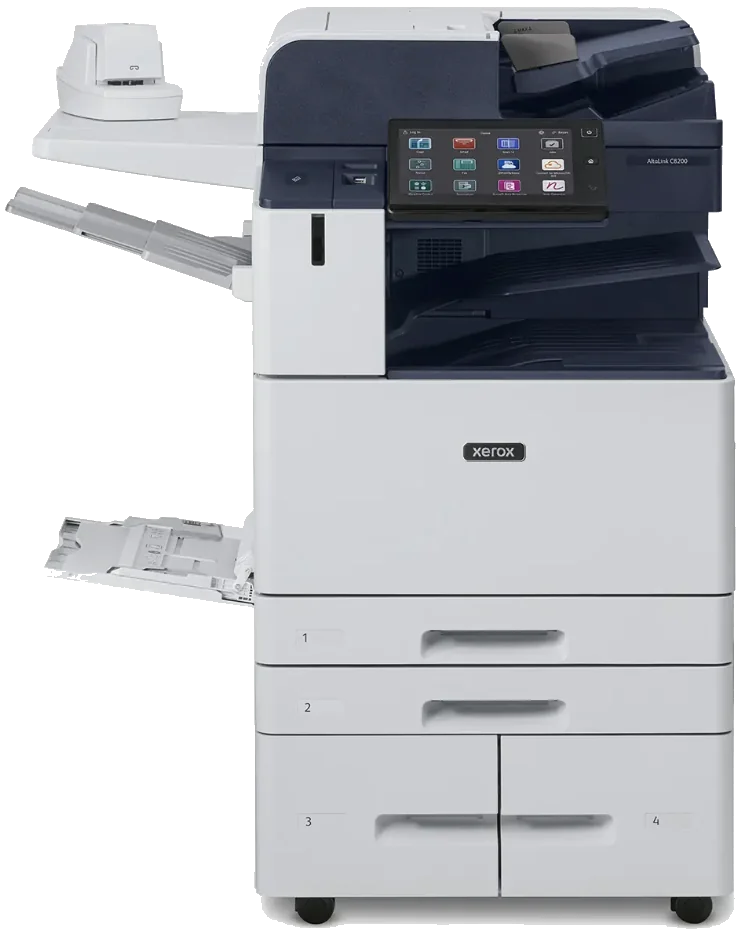
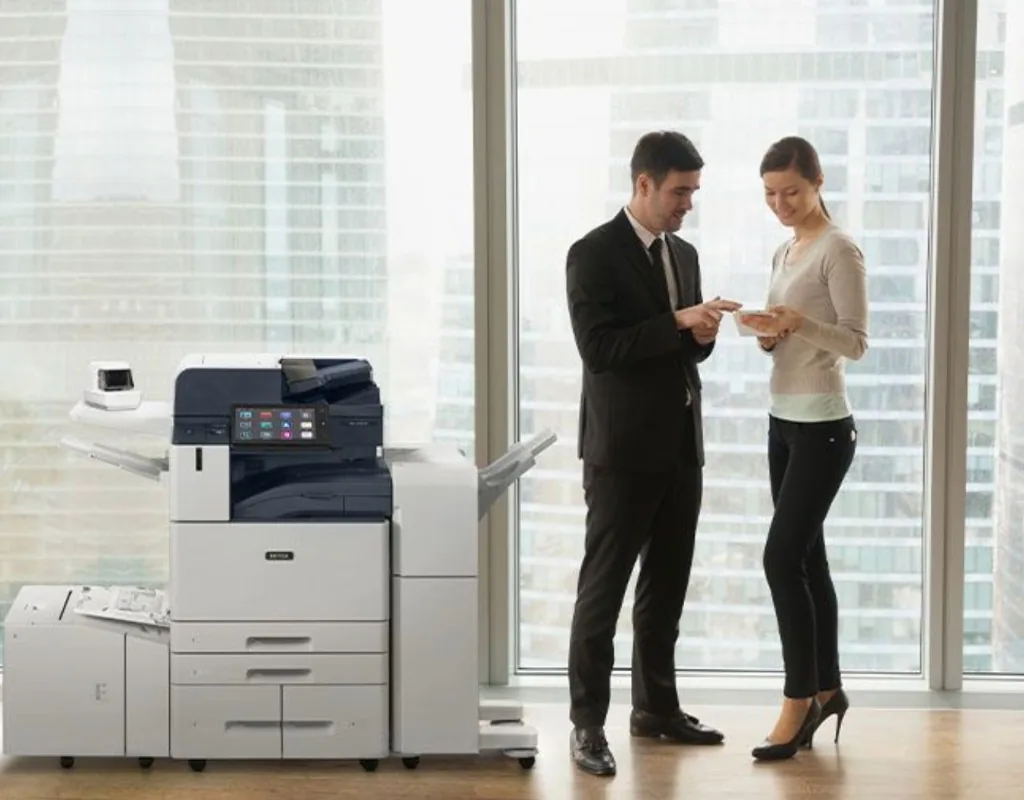
Xerox AltaLink multifunction printer in a bright office
Buyer guideXeroxCopiers

VersaLink, AltaLink, or PrimeLink? Matching a Xerox line to the work.

Xerox VersaLink, AltaLink, and PrimeLink cover everything from a small workgroup to the print room. Here is how to match a line to your volume, paper size, and finishing.

  • VersaLink is built for small to mid-size workgroups, at 20 to 35 pages a minute on 11 x 17 paper.
  • AltaLink runs 30 to 72 pages a minute for busy offices, with more paper and finishing options.
  • PrimeLink is the production family, at 65 to 136 pages a minute on paper larger than 11 x 17.
Why it mattersBuying a bigger Xerox than the work needs costs money every month, and buying too small leaves a machine working harder than it was built to. Monthly volume, paper size, and finishing are what point to the right line.
Read full article
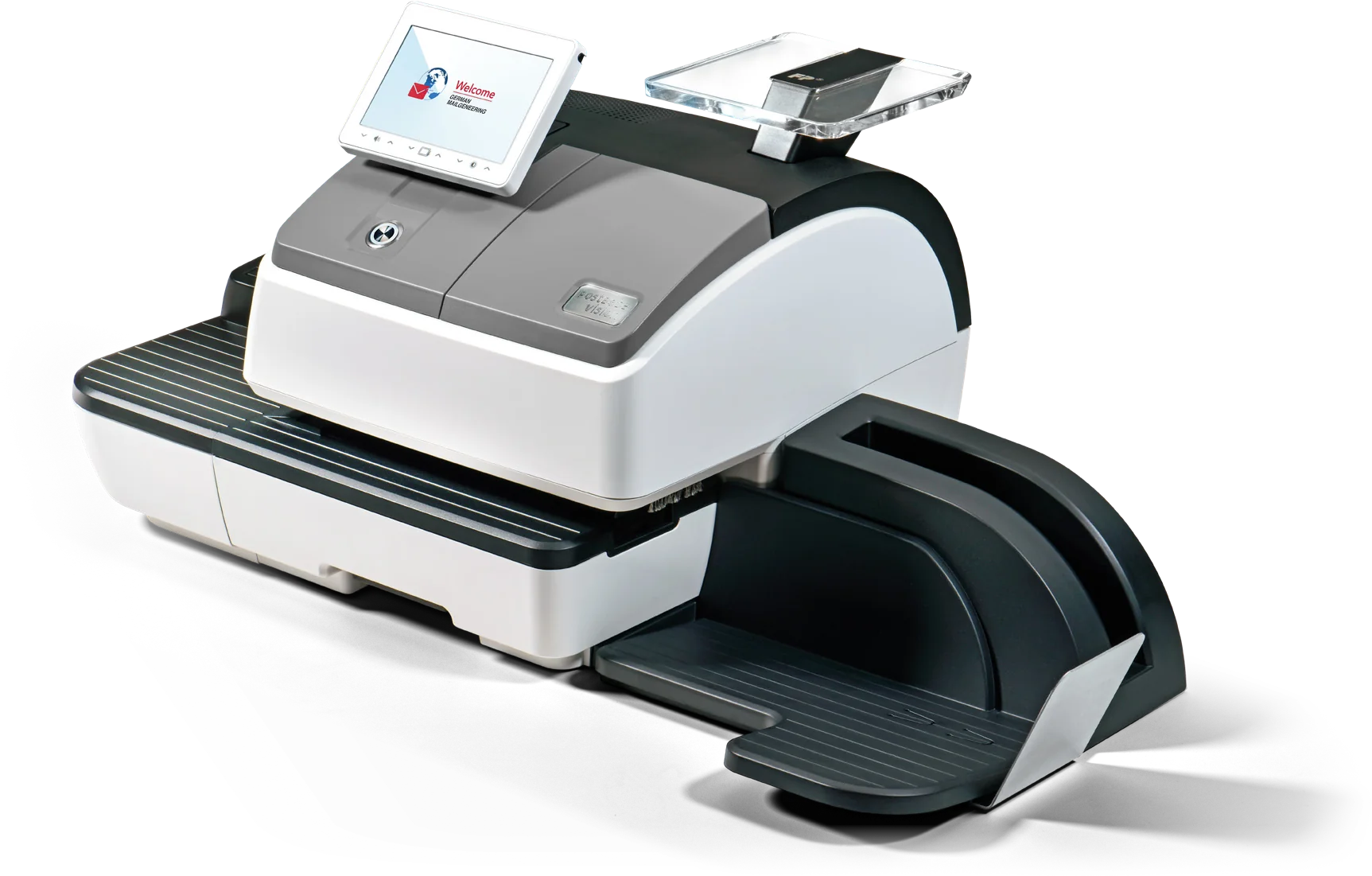
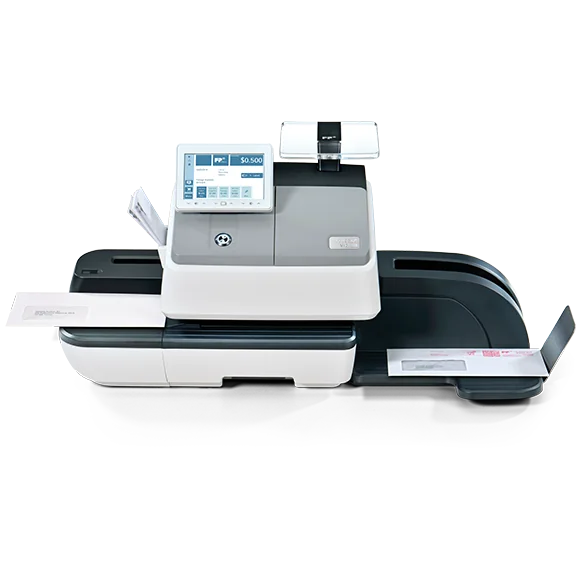
FP PostBase Vision Semi-Auto postage meter
Buyer guideFPMailroom

Still buying stamps? How to size an FP postage meter.

A postage meter weighs, rates, and prints Canada Post approved postage. Here is how to size an FP PostBase by volume, weight, and feeding.

  • FP PostBase meters run from 17 letters a minute on the Mini to 120 on the Fusion A120.
  • Built-in scales rate up to 2 kg on the Mini and up to 7 kg on the larger models.
  • In Canada the meter is rented from an authorized supplier under Canada Post rules, not bought outright.
Why it mattersMost of the PostBase line does the same core job. Daily mail volume, the heaviest piece you send, and how much hand feeding you want to do are what separate the models.
Read full article
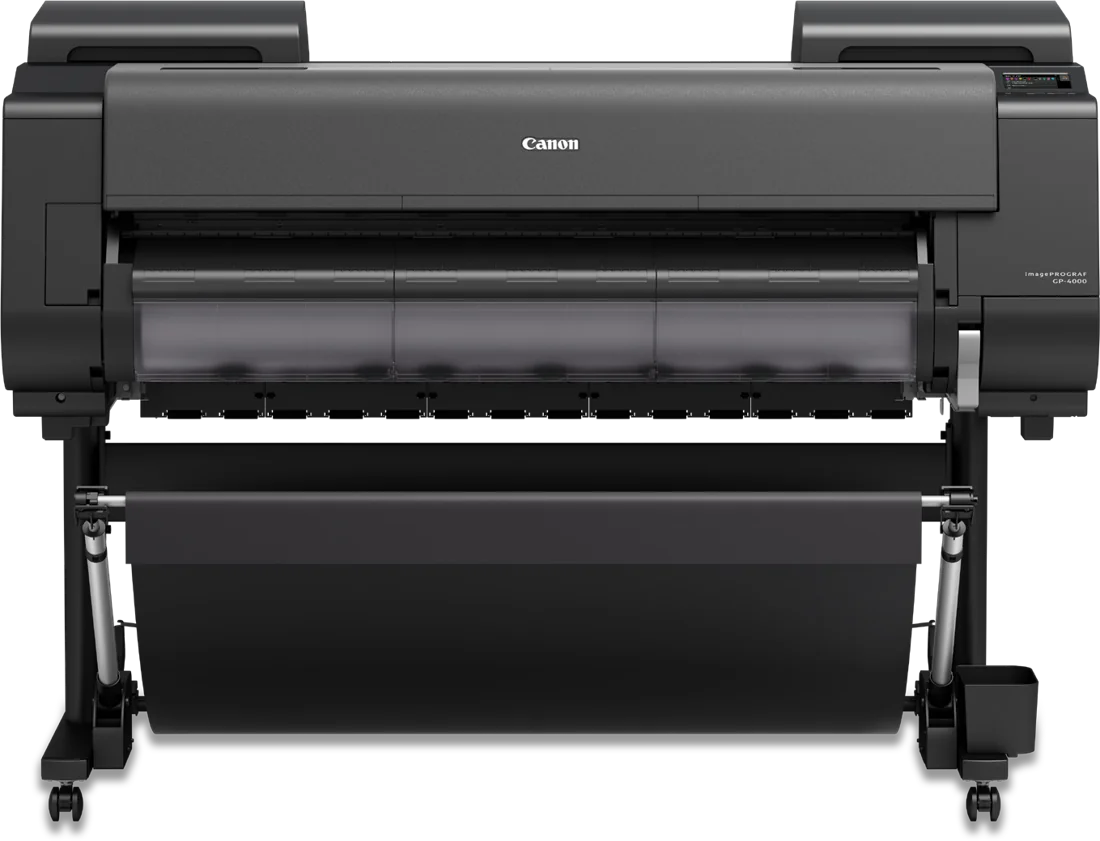
Canon imagePROGRAF GP-4000 wide-format printer
Buyer guideCanonWide-format

24 or 44 inches? Choosing a Canon imagePROGRAF GP-2000 or GP-4000.

The Canon imagePROGRAF GP-2000 and GP-4000 share the same inks and print quality. Here is how to pick by width, floor space, and ink.

  • The GP-2000 prints up to 24 inches wide; the GP-4000 up to 44.
  • Both use the same eleven pigment inks, including Fluorescent Pink, at up to 2400 x 1200 dpi.
  • The GP-4000 is 63 inches wide against the GP-2000's 44, so measure the room first.
Why it mattersThe two printers share the same inks, head, and print quality. Width, floor space, and ink volume are what really separate them.
Read full article
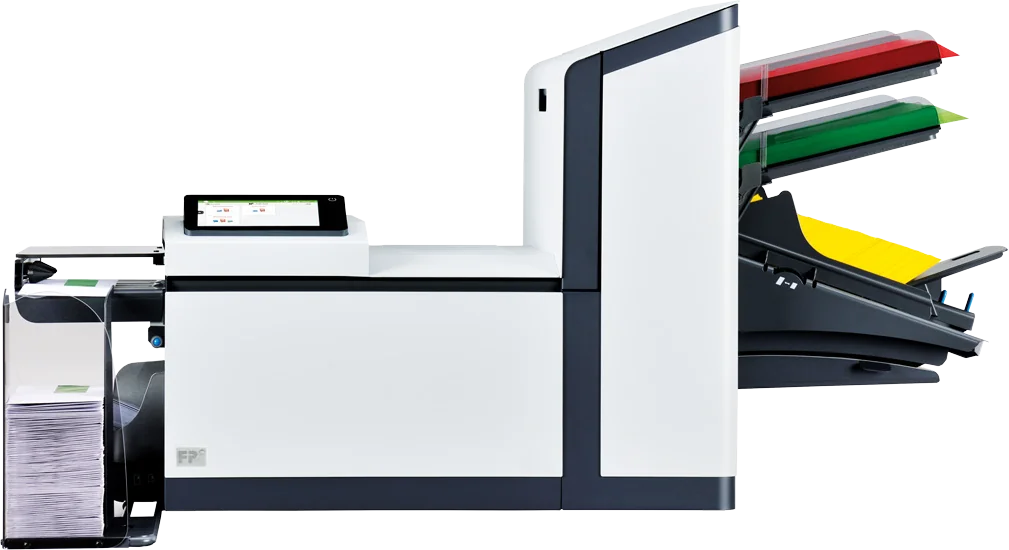
FP FPi 2700 folder inserter
Buyer guideFPMailroom

Still stuffing envelopes by hand? How to size a folder inserter.

A folder inserter feeds, folds, inserts, and seals your mail. Here is how to size one by volume, pages per envelope, feeders, and security.

  • The FP FPi line A1 carries runs from 1,350 to 4,300 envelopes an hour.
  • The FPi 700 folds up to five sheets at once; the 4800, 5700, and 6700 up to 10.
  • Double feed detection checks each feeder so the right documents land in the right envelope.
Why it mattersPages per envelope and the number of feeders narrow the choice faster than speed. Buy for your longest regular mailing, not the average one.
Read full article

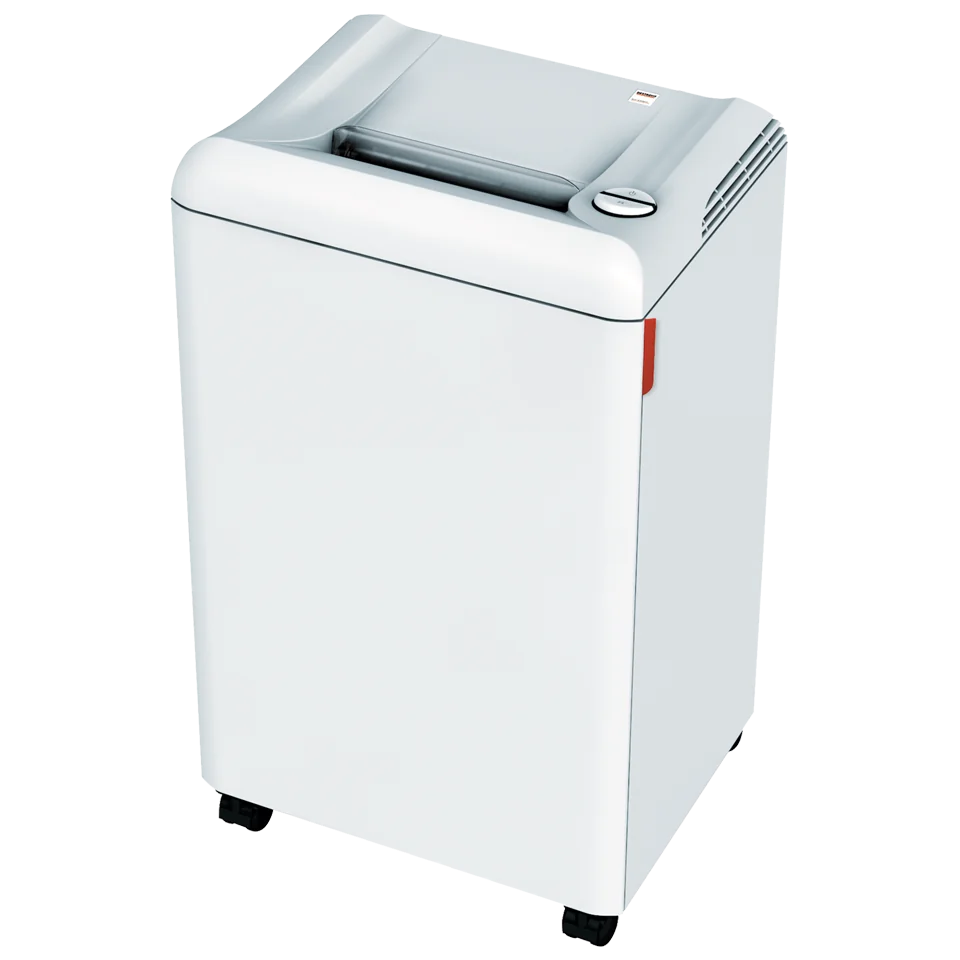
Ideal.MBM Destroyit shredder
Buyer guideShreddersData security

Strip-cut or cross-cut? What shredder security levels mean.

Shredders are rated P-1 to P-7 by how small they cut. Here is what the common office levels are for, and which ones are recommended for personal information.

  • The levels come from DIN 66399, now set out internationally as ISO/IEC 21964.
  • IDEAL’s guide says P-1 and P-2 strip-cut are not for personal data.
  • Per that guide, ISO/IEC 21964 strongly recommends P-4 or P-5 for personal data on paper.
Why it mattersA shredder only protects you if its level matches the paper. Strip-cut is fine for internal notes, not for client files.
Read full article
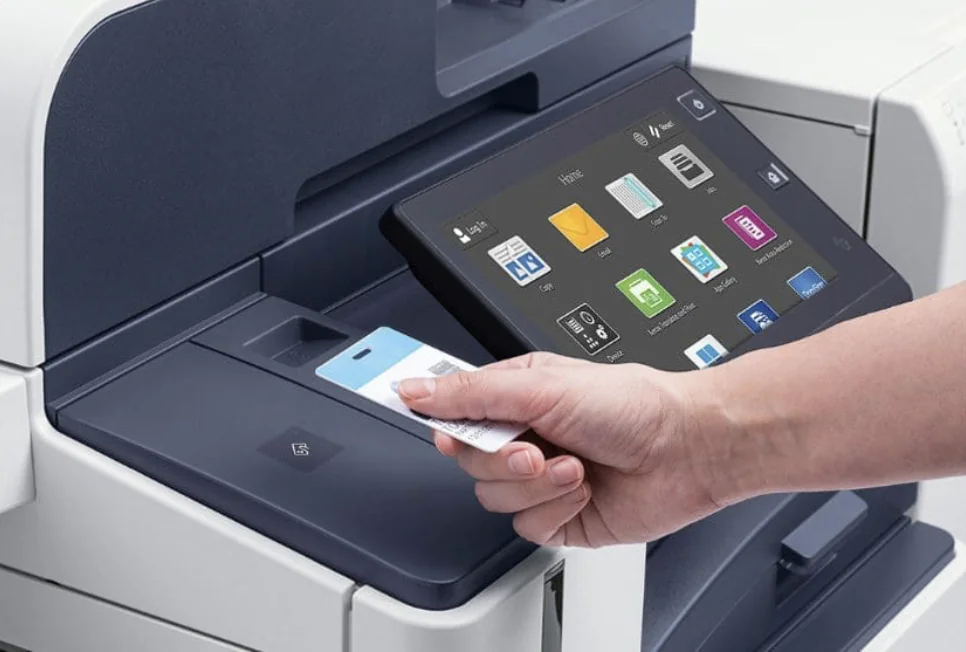
Employee tapping an ID card to release a job on an office multifunction printer
Buyer guideCopiersData security

Copier lease ending? Plan for the machine and the data on it.

The end of a lease is about more than the box going back. Check the agreement, plan the replacement, and settle who clears the drive before pickup day.

  • What happens at the end of the term depends on the leasing company and your agreement.
  • The Privacy Commissioner of Canada lists copier and printer hard drives among media that store personal information.
  • Its guidance: destroy, overwrite, or degauss, and use a stronger method if the drive may be reused.
Why it mattersThe documents on the drive do not leave with the paperwork. Plan for both before the machine is picked up.
Read full article
Handshake across a desk in an office with a print area behind
Buyer guideCanonXeroxLexmark

Canon, Xerox, or Lexmark? Choose for the work, not the logo.

We are authorized for all three, so the brand does not have to come first. Start with volume, paper size, colour, scanning, and service, and the right machine usually becomes clear.

  • Real monthly volume decides the engine class more than the logo does.
  • Need larger sheets? In our catalogue, A3 models come from Canon and Xerox. The Lexmark models we list are A4.
  • Large-format printers and dedicated document scanners in our lineup come from Canon.
Why it mattersA machine sized for the work, with local service behind it, matters more than the name on the front.
Read full article
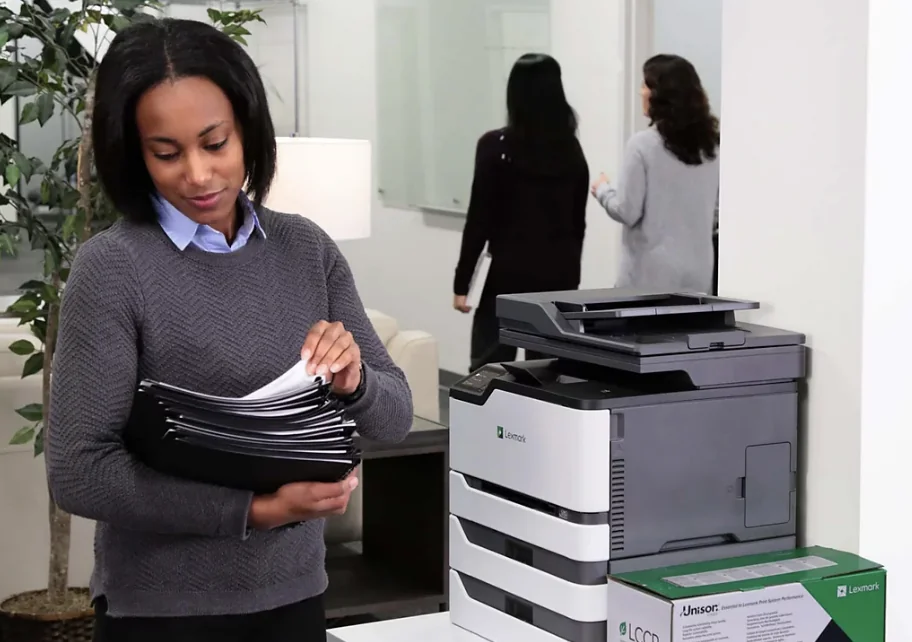
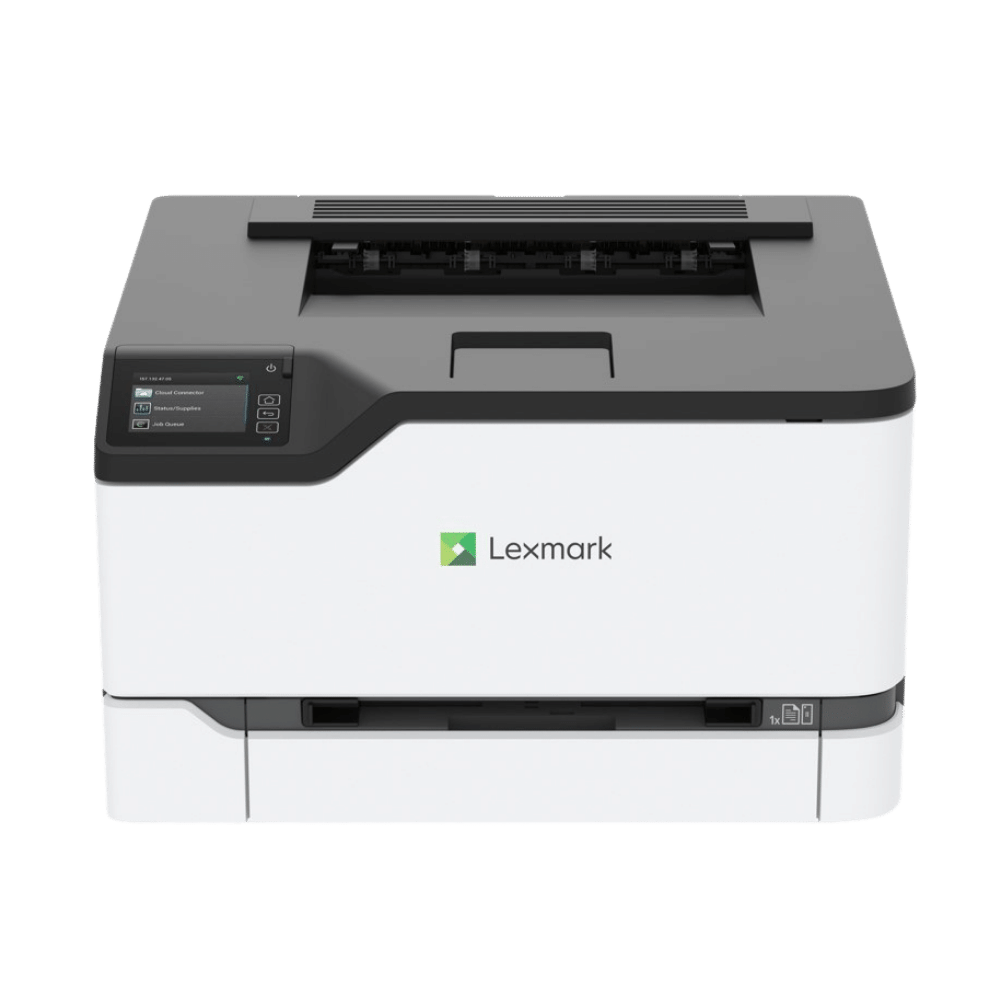
Office worker sorting documents beside a Lexmark multifunction printer
Buyer guideManaged printCopiers

Managed print or owning the boxes? Here is the plain difference.

Own or lease the machines and handle the rest yourself, or put equipment, service, and supplies into one managed print program. Here is what changes for a Metro Vancouver office.

  • Owning means the machines are yours, bought or leased, and your team keeps track of toner and repairs.
  • Managed print bundles equipment, service, and supplies, usually billed per page. We monitor the fleet and ship toner before you run low.
  • Managed print tends to pay off with several machines or a mix of brands. One quiet printer may only need a service agreement.
Why it mattersIt decides who looks after the fleet and how print shows up on your bill.
Read full article
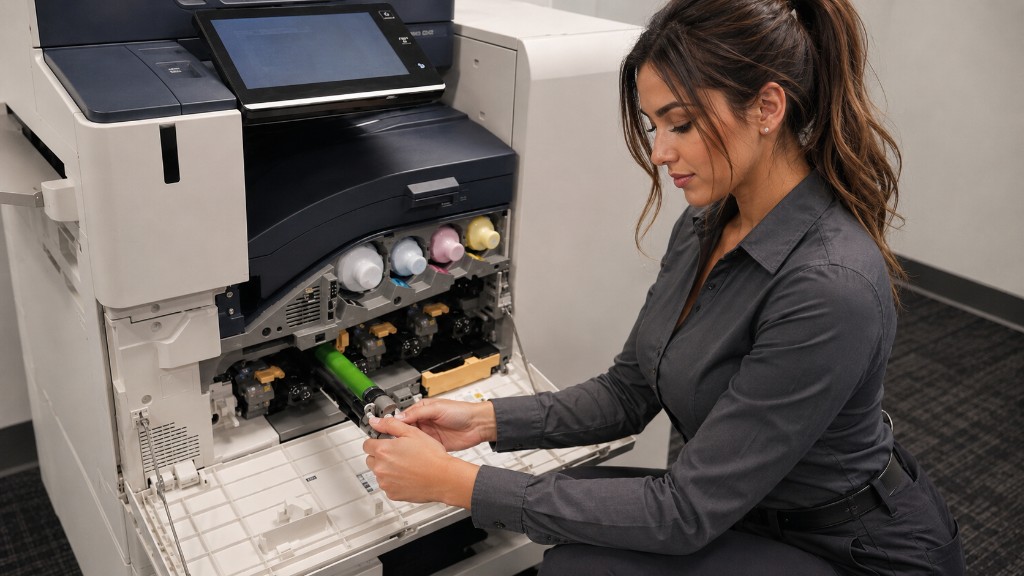
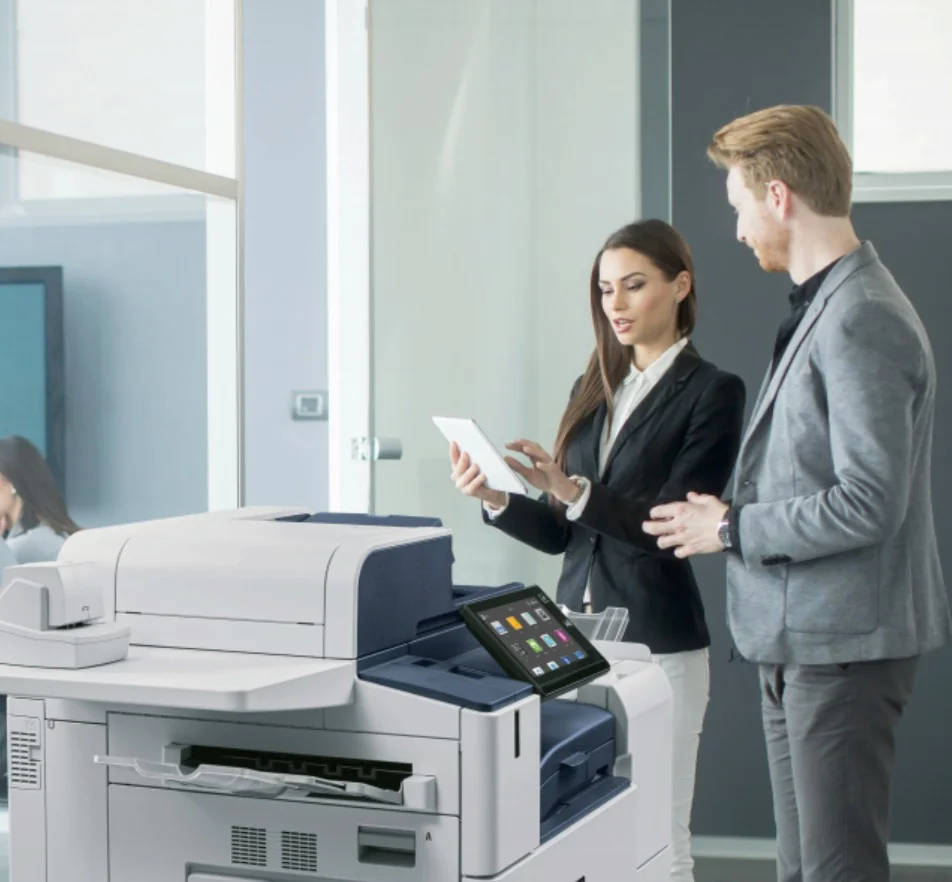
Technician servicing an office multifunction printer
Buyer guideCopiersManaged print

Renewing a print or copier agreement? Check these things before you sign again.

Before a Metro Vancouver office signs for another term, check the agreement against how the office prints today.

  • Pull a few months of meter reads. Monthly pages, colour share, and scanning show whether the machine is still the right size.
  • Read what service covers and what gets billed on top. Ask what the agreement says about toner and genuine supplies.
  • If a machine is going out, plan for its data. The Privacy Commissioner of Canada lists copier and printer hard drives among media that can hold personal information.
Why it mattersRenewal is the easiest time to change the machine, the service terms, or the billing.
Read full article
Xerox and Lexmark logos
XeroxLexmarkAcquisition

Xerox now owns Lexmark. Here is what that means if you buy printers in Metro Vancouver.

On July 1, 2025, Xerox completed its acquisition of Lexmark. The two brands now sit under one owner. A local buyer still chooses a machine for the work.

  • Xerox’s July 1, 2025 newsroom release says it completed the acquisition of Lexmark from Ninestar Corporation, PAG Asia Capital, and Shanghai Shouda Investment Centre.
  • Xerox said the deal was valued at $1.5 billion, inclusive of net debt and assumed liabilities, and that it expected about $240 million of cost synergies.
  • The close release did not say product lines were discontinued. Service and supplies continuity matters more than the headline.
Why it mattersAutomation One is an authorized dealer for both Xerox and Lexmark in Vancouver. Pick the machine for the work, then confirm service and supplies.
Read full article
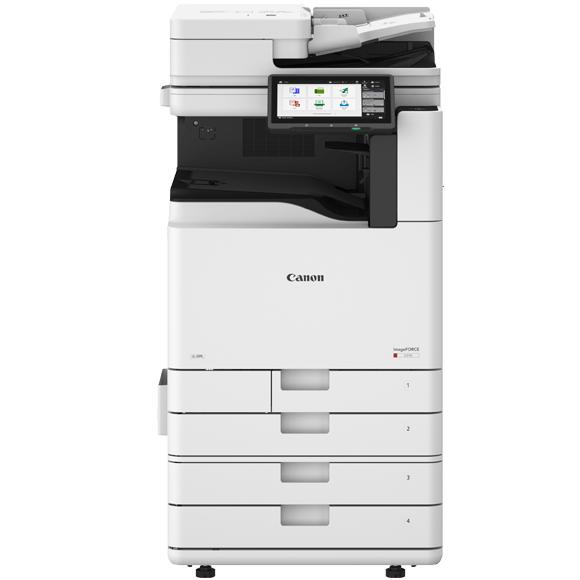
Canon imageFORCE C3150 colour multifunction printer
CanonimageFORCEC3100 series

Canon imageFORCE C3100 series brings mid-volume colour A3 into a tighter, smarter footprint.

A deeper product note on Canon’s C3100 colour A3 multifunction line for Metro Vancouver offices — with Automation One catalogue focus on the listed imageFORCE C3150, plus the related C3026.

  • Automation One’s catalogue currently lists the imageFORCE C3150 (A3, 50 ppm black-and-white and colour) in this mid-volume colour class, along with the related imageFORCE C3026 (26 ppm).
  • Canon materials for the C3100 series cite up to 4800 × 2400 dpi imaging, single-pass duplex scanning up to 270 ipm, and expandable paper capacity from 1,200 to 6,350 sheets.
  • Our June 7, 2026 digest already named the C3100 series in a broader imageFORCE expansion note; this standalone post goes deeper on local model fit without promising SKUs AO does not list.
Why it mattersFor Metro Vancouver offices, the value is right-sizing colour A3 output you can buy and support locally — starting from the Canon models Automation One lists today.
Read full article
Canon logo

Canon

Office MFP innovation, imageFORCE expansion, and AI-assisted service.

Read full article
Xerox logo

Xerox

AI, managed IT, workflow automation, and the Lexmark integration.

Read full article
Lexmark logo

Lexmark

A3 device strength and a broader combined Xerox-Lexmark ecosystem.

Read full article
Ideal.MBM logo

Ideal.MBM

Destroyit shredders, cutters, finishing, and physical document control.

Read full article
Automation One logo

More

Market-wide movement toward cloud, AI, security, and automation.

Read full article

Ready to take your business to the next level?

Tell us a bit about your office and we'll send back a no-pressure recommendation, usually within one business day.