



Office shredders are rated by security level, from P-1 to P-7. The higher the number, the smaller the pieces. The level you need depends on what your office throws away, not on how many sheets the machine takes at once.
Where the levels come from
The levels come from the German standard DIN 66399. The same content is now set out at an international level in ISO/IEC 21964. IDEAL, a German shredder maker, publishes a plain guide to what each level is meant for, and we lean on it here.
What the common office levels are for
P-2 is strip-cut. IDEAL’s guide puts it at internal paper such as instructions, forms, and expired notices, and says it is not for personal data. The same goes for P-1.
P-3 is a cross-cut level for paper like offers, orders, and delivery notes that carry address details.
P-4 is cross-cut, with cutting sizes such as 4 x 40 mm. The guide lists work documents, customer data, invoices, and private tax and financial documents.
P-5 cuts smaller, at 2 x 15 mm. The guide lists data to be kept secret, including balance sheets, strategy papers, and personal data.
What is recommended for personal information
IDEAL’s guide says ISO/IEC 21964 strongly recommends shredders at P-4 or P-5 for destroying personal data on paper.
Here in Canada, the Office of the Privacy Commissioner’s retention and disposal guidance counts paper printouts, notes, memos, and transaction records among the media that hold personal information. It says the goal of disposal is that the information cannot be reconstructed or recovered in any way.
Smaller pieces mean fewer sheets per pass
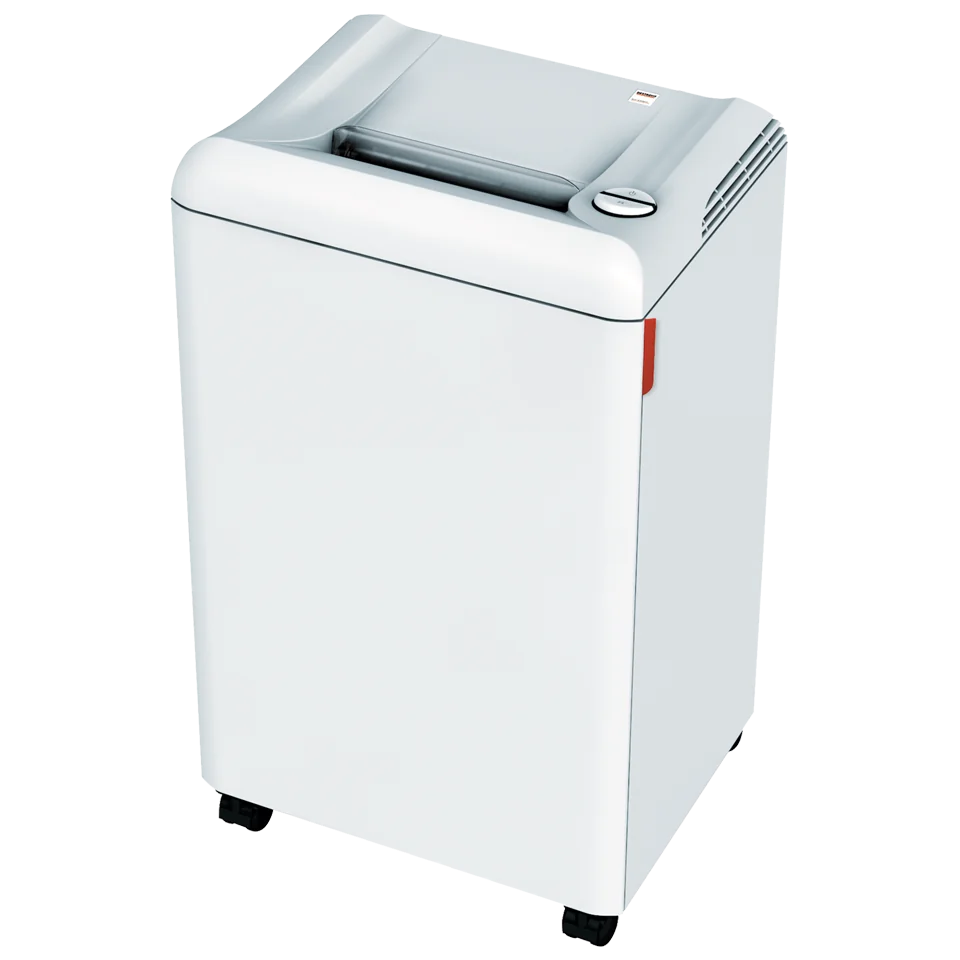
The Ideal.MBM Destroyit 2503 in our catalogue shows the trade-off. It comes in three versions: P-2 strip-cut at 19 to 21 sheets, P-4 cross-cut at 4 x 40 mm and 12 to 14 sheets, and P-5 cross-cut at 2 x 15 mm and 8 to 10 sheets. Same cabinet, same 10¼″ feed opening, different level. Pick the level for the paper first, then size the machine for the volume.
Start with what goes in the bin
If the bin holds client files, invoices, payroll, or anything with a name and address on it, a strip-cut machine is the wrong tool. If it only ever holds internal notes, a higher level costs you speed you may not need.
For big clean-outs, the Commissioner’s guidance says an office without the right tools on-site can use a third-party destruction company, and that the organization stays responsible for the information either way.
Paper is not the only copy
The same guidance lists copier and printer hard drives among the media that store personal information. If a machine is leaving the office, read our lease-end guide for the drive side.
Talk to Automation One
Tell us what your office shreds and roughly how much. We will recommend a security level and a machine, with delivery, setup, training, supplies, and local service from our team. We typically reply within one business day.
Contact Automation One, call 604-255-6622, or call toll-free 1-888-630-5880.